

When a video freezes or a webpage refuses to load, many people assume their internet service is to blame. In reality, the problem is often much closer to home.
Wireless networks rely on radio waves to move data between your router and connected devices. Those signals can be weakened, reflected or interrupted by common objects and building materials, creating frustrating dead zones even when your broadband connection is working normally.
Alex Hills, one of the early pioneers of large-scale Wi-Fi networking, has spent decades studying the factors that interfere with wireless communication. Many of the obstacles are familiar, such as thick walls, while others are far more unexpected.
Photo Credit: BBC/ Serenity Strull/ Getty Images
Microwaves Can Still Cause Interference
One of the best-known sources of Wi-Fi interference is the microwave oven.
Many home Wi-Fi networks operate on the 2.4GHz frequency band, which is close to the frequency used by microwave ovens. Although modern appliances are designed to contain their radiation, older or damaged microwaves may leak enough energy to temporarily disrupt nearby wireless signals.
The problem has become less common as newer routers increasingly use the less congested 5GHz band alongside improved microwave shielding. Even so, households with ageing equipment may still notice slower connections while food is being heated.
Fish Tanks Can Absorb Wireless Signals
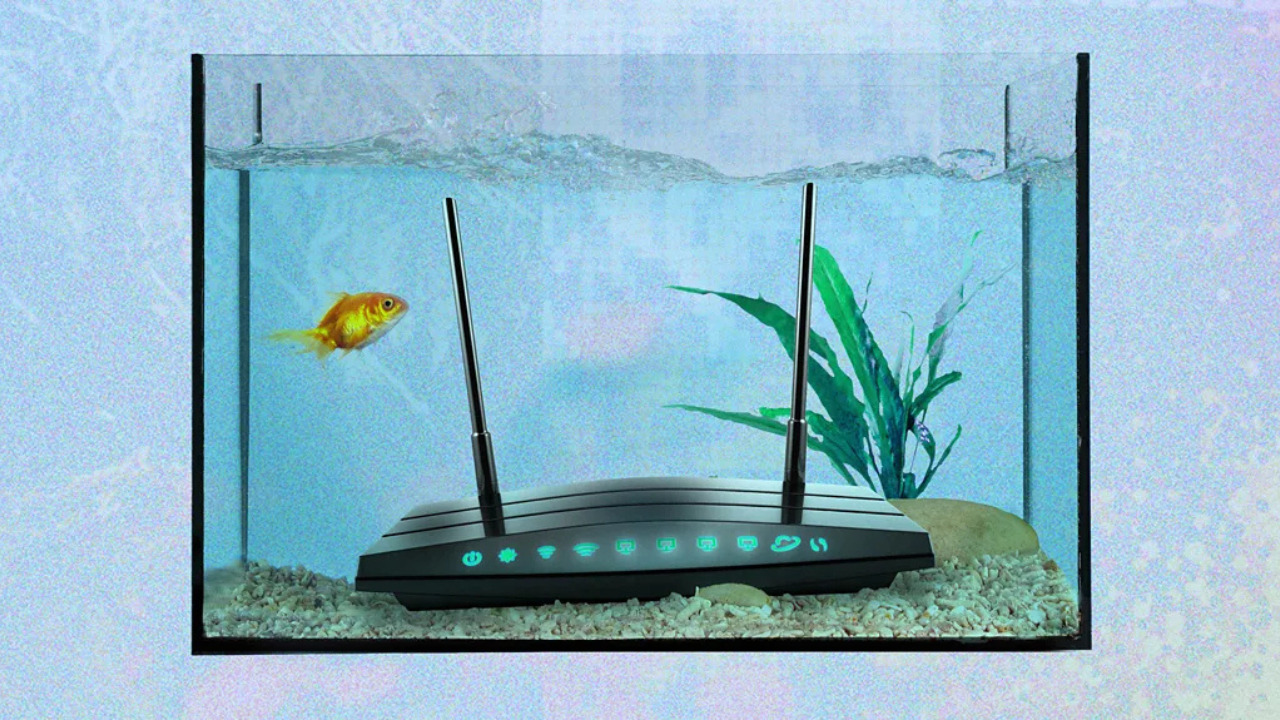
Aquariums may be beautiful additions to a home, but they are not ideal neighbours for a Wi-Fi router.
Water absorbs radio energy, reducing the strength of wireless signals passing through it. A large fish tank positioned between a router and a laptop or television can create areas where coverage becomes noticeably weaker.
The same principle applies to other obstacles. Dense materials such as brick, concrete and stone absorb or block radio waves far more effectively than materials like wood or drywall, making it harder for signals to reach every room.
Mirrors and Large Screens Can Redirect Signals
Not every object weakens Wi-Fi by absorbing it. Some simply send it in another direction.
Large mirrors, metal-backed walls and even flat-screen televisions can reflect radio waves, changing the path they take around a room. In some cases, that creates unexpected dead spots despite the router being only a short distance away.
If a particular room consistently has poor reception, checking for large reflective surfaces between the device and the router may help explain the issue.
Weather Can Affect Connectivity
Indoor Wi-Fi usually continues working during ordinary rain, but severe weather can still interrupt internet service.
Heavy snowfall, ice and extreme cold can damage cables or interfere with satellite-based internet systems. Heatwaves may also strain communications infrastructure, while internet speeds often slow during periods when many people in the same household are streaming videos, gaming or working online simultaneously.
In these situations, the issue may lie beyond the home network rather than with the Wi-Fi signal itself.
Practical Ways to Strengthen Your Wi-Fi
Experts recommend starting with router placement before investing in new equipment.
Positioning the router in a central, elevated location gives radio waves a clearer path through the home. Keeping it away from large appliances, thick walls and major obstructions can also improve coverage.
If certain rooms still struggle with weak reception, a Wi-Fi extender or a mesh Wi-Fi system can help distribute the signal more evenly across the property. These solutions are particularly useful in larger homes or buildings with multiple floors and thick interior walls.
Why It Matters
Reliable Wi-Fi has become essential for work, education, entertainment and smart home technology. Understanding the everyday factors that interfere with wireless signals can help households solve connectivity problems without immediately upgrading their broadband package.
Sometimes, improving internet performance is less about buying faster service and more about removing the unexpected obstacles already sitting inside the home.